Best Budgeting Apps for Small Business Owners & Side Hustlers
We earn a commission from the offers on this page, which influences which offers are displayed and how and where the offers appear. Learn more here.
By Rob Berger, JD | Last Updated May 18, 2026
When you first start your business, you probably run everything through your personal bank account. After all, you’re not sure you’re going to stick with this, or even if this new venture is going to make money. But at some point you’ll want to separate business and personal finances, if for no other reason than to make tax time easier. You’ll also need to keep your business finances organized, and keeping your expenses separate helps manage cash flow.
There are several budgeting app options out there that can help. The best ones allow you to manage business and personal expenses all in one app. We’ll take a look at the most useful budgeting apps for small business owners below.
Top Best Budgeting Apps for Small Business Owners
Monarch Money
Price: $14.99/month or $99.99/year. Use code ROB50 for 50% off the Core Plan your first year.Monarch Money is a modern budgeting app that helps small business owners track income and expenses with flexible tags and forecasting tools. It’s especially useful for side hustlers who blend personal and business finances and want a clear, visual overview of cash flow.

Quicken Business & Personal
Price: $8.99/mo. billed annually, but get the first year 50% off.Quicken Business & Personal is a powerful budgeting tool for small business owners. It offers detailed categories, reports, and cash-flow tracking, making it ideal for side hustlers with multiple income streams or more complex finances.

The Best Budgeting Apps for Small Business Owners & Side Hustlers
Quicken Business & Personal
Quicken Business and Personal is one of those rare tools that do two things equally well–it’s a great personal finance app, and also has small business functionality. You can track all of your accounts, your investments, mileage, and rental properties and tag them each with a different color. Come tax time, it integrates seamlessly with TurboTax and Schedules C, E, and F are built in.
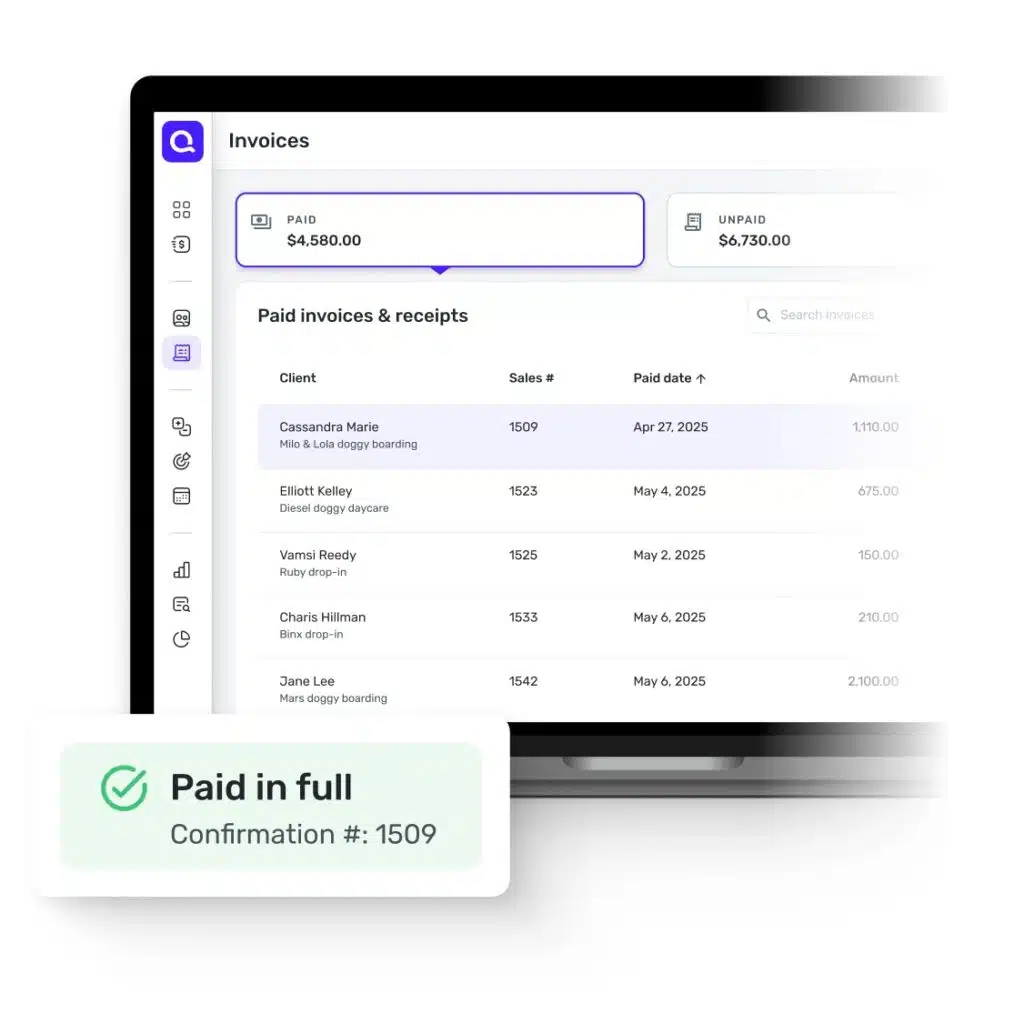
Quicken Business and Personal is $8.99/mo. billed annually, but you’ll get the first year for 50% off. There isn’t a free trial, but there is a 30-day money back guarantee.
Quicken Business and Personal is best for:
- Side hustlers who want business + personal budgeting in a single platform
- Users who want desktop software with deep reporting
- Business owners with rental properties or multiple income streams
Monarch Money
Monarch Money is one of the top modern budgeting tools. Monarch’s clean interface, auto-categorization rules, tags, and forecasting make it ideal for tracking business spending, even if business accounts are mixed with personal accounts.
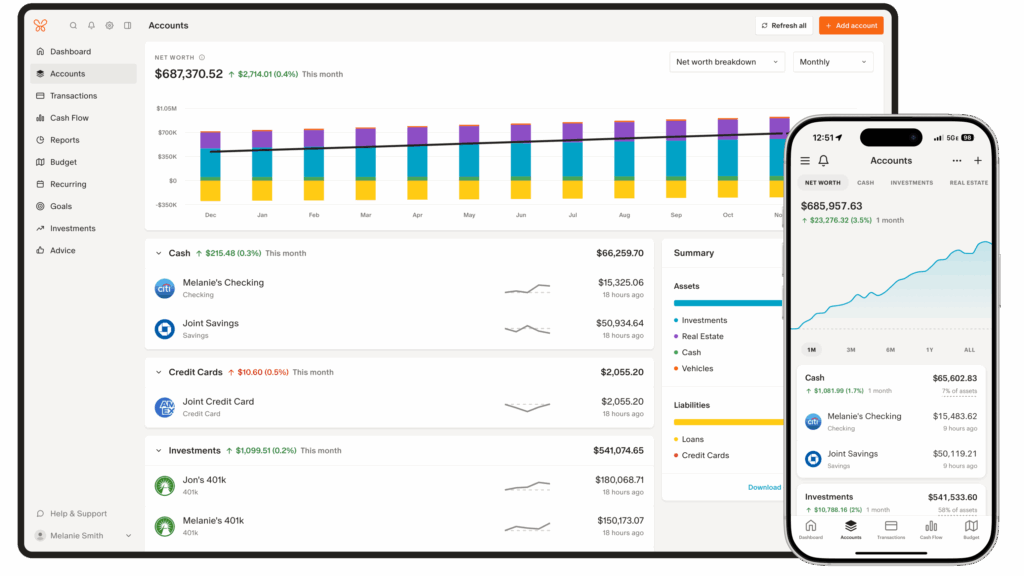
If your business needs are relatively simple, Monarch Money could work for you. However, while it can track your income, attach receipts, and use custom category tags, it can’t send invoices or generate tax reports. So if your business grows, it might not fill your needs.
Monarch Money is $14.99 a month, or $99.99 a year, although if you use the code ROB50 you can 50% off the Core Plan your first year. There is a 7-day free trial as well.
Monarch Money is best for:
- Side hustlers with blended finances and simple business needs
- Business owners wanting long-term cash-flow planning who don’t mind having to prepare taxes themselves
- Users who value modern design and reliable bank syncing
Lunch Money
Lunch Money is a flexible, spreadsheet-like budgeting app built for people with irregular income. It features strong categorization rules, multi-currency support, and a powerful interface for separating personal and business budgets. You can easily separate business and personal finances as well as track spending in over 160 currencies. However, it won’t support payroll or generate invoices.
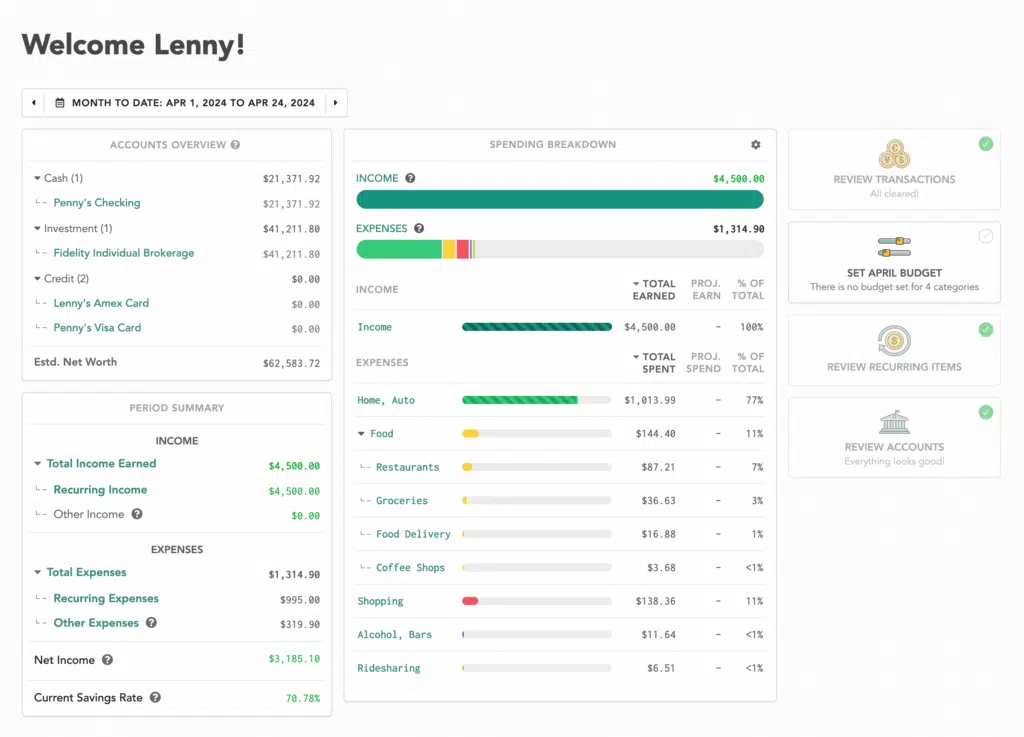
Lunch Money is $10 a month or up to $100 a year. There is a free 30-day trial. And the price that you sign up at is the price you’ll pay forever, even if the rate goes up.
Lunch Money is best for:
- Freelancers, creators, and gig workers
- People who prefer minimal, data-first budgeting tools
- Digital nomads or anyone dealing with international transactions
FreshBooks
Though best known for invoicing, FreshBooks also includes budgeting-friendly tools including expense categorization, receipts, time tracking, and project-level financial summaries. It was created specifically for small business owners, freelancers, and solopreneurs.
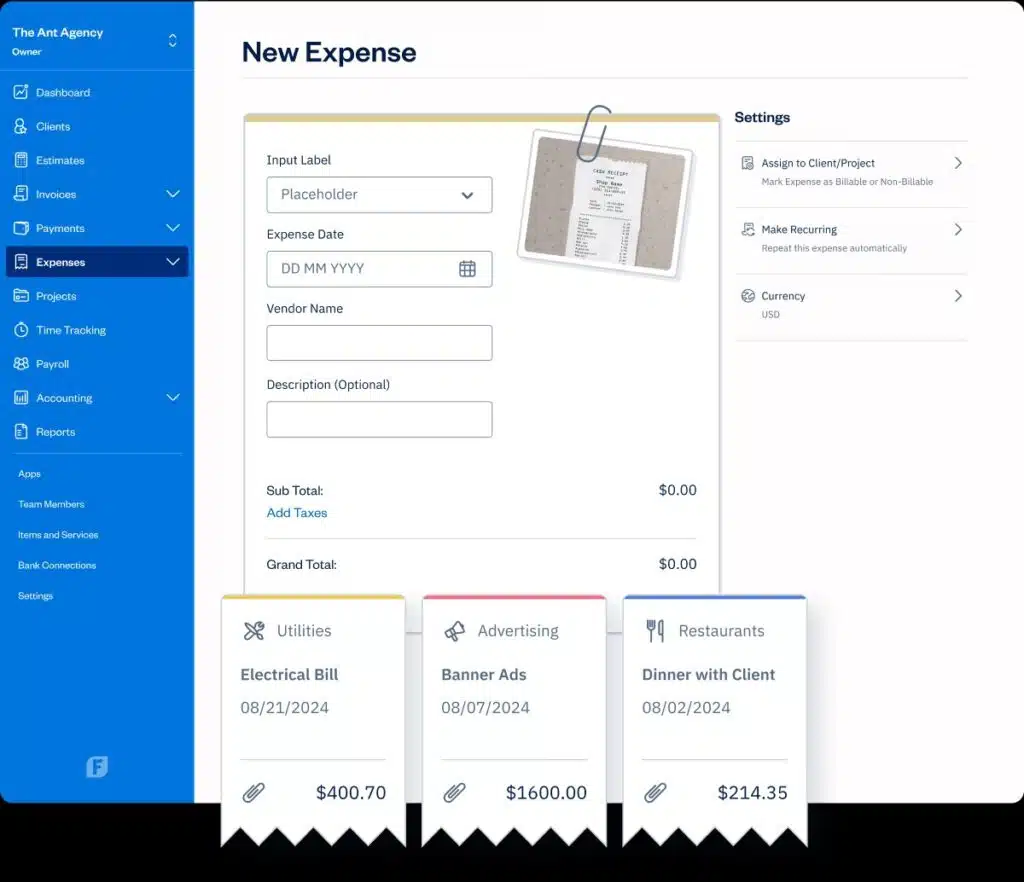
In addition to budgeting, there’s also mileage tracking, proposals, estimates, billing and payroll. You don’t have to use them all, but it’s nice to know they’re there.
FreshBooks starts at $21.00 per month for the Lite plan, though at the time of this writing there is a promotion for 60% off the first three months. There are three plans to choose from. The Plus plan is $38.00 per month and the Premium plan is $65.00 per month. You can also save 10% on the cost by paying for a year in advance.
FreshBooks is best for:
- Service-based side hustles (consulting, coaching, freelancing)
- Users who need client billing plus basic budgeting
- Business owners who want simple, non-intimidating financial software
Simplifi by Quicken
You can create separate profiles in your Simplifi account, and use one of them to track your small business spending. Just be aware you’ll have to link all your accounts to the new profile (called spaces).
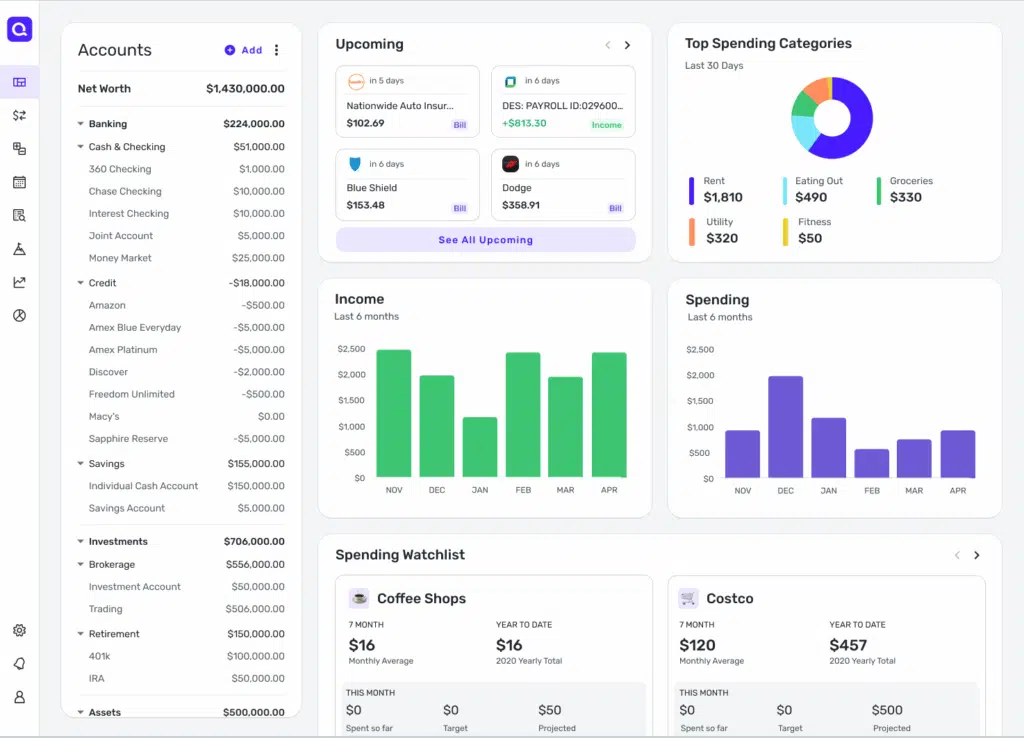
Reddit users suggest Simplifi users can use the tool to track small-business spending because of its excellent categorization system, spending watchlists, and cash-flow projections. On the other hand, for an extra couple of bucks, you could get Quicken Business and Personal, which lets you tag business expenses by color and already has a few tax schedules included.
Simplifi is $6.99/mo. billed annual, but for a limited time you can get 50% off the first year subscription. There is no free trial, but there is a 30-day money-back guarantee.
Simplifi is best for:
- Side hustlers with simple business finances
- Users who want an easier alternative to Quicken Classic
- Simplifi users who prefer to manage everything in that one app
Origin
Origin is not a business app, but its tags, categories, and spending insights make it surprisingly capable of tracking small-business budgets manually. You can use tagging and categorization to mark different transactions as either “business” or “personal.” It’s perfect for users who already rely on Origin and want everything in one place.
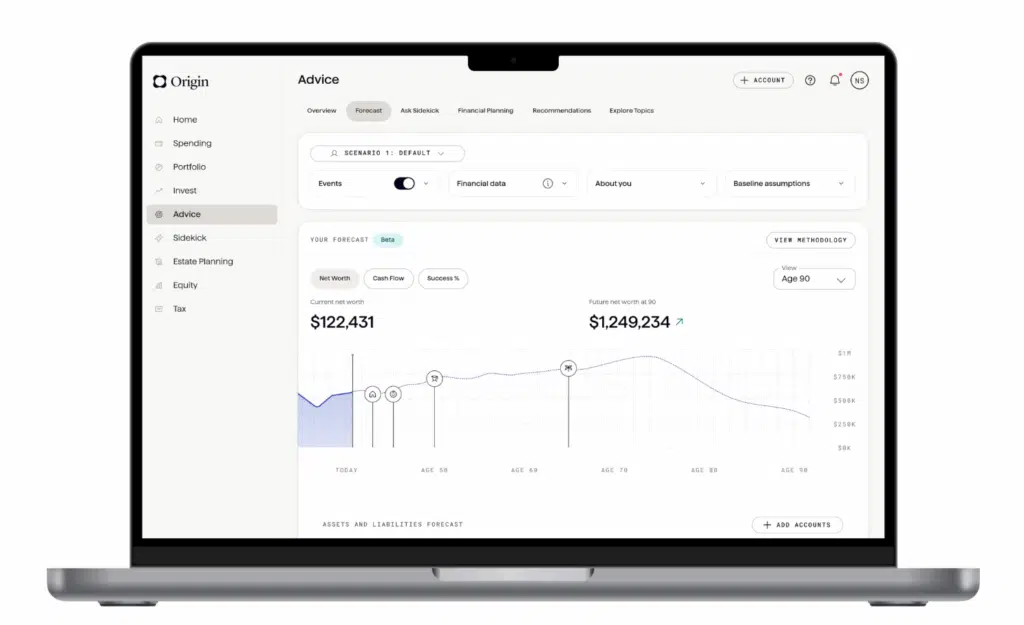
Origin costs $12.99 per month or $99 per year and there’s a 7-day free trial. For a limited time, you can get the first year subscription for just $1.
Origin is best for:
- Business owners with very simple financial needs
- People who already use Origin for personal finance
- Users who prefer not to manage separate apps
Summary of the Best Budgeting Apps for Small Business Owners
| Best For | Recommended App |
|---|---|
| All-in-one personal + business | Quicken Business and Personal |
| Modern budgeting with business tagging | Monarch and Simplifi |
| Irregular income | Lunch Money |
| Client-based service businesses | FreshBooks |
| Financial forecasting | Origin |
What Small Business Owners Should Look for in a Budgeting App
To make your life easier, these are the features to look for in a budgeting app.
Separate business and personal transactions: To track both business and personal expenses in the same app, they need to be separate in some way so you can easily tell which is which. Whether it’s a different tab or a specific color, a way to tell the difference at a glance is key.
Reliable bank syncing and easy manual entry: Small business owners and side hustlers have enough to do. Look for an app that connects and automatically updates all your accounts. Also, look for an app that allows for easy manual entry for expenses that might not show up on your bank account, for example, cash payments and employee reimbursements.
Tags, rules, and automations to reduce manual work: Tags and rules add another level of organization to your finances. For example, if you want to know how much you spent on business travel, you can tag those transactions and see it at a glance. Rules are a tremendous time saver–for example, if an expense is over $50 at a gas station, it’s gas. If it’s less than $50, it’s snacks. You can also make rules to differentiate between business and personal expenses.
Cash flow forecasting: Cash flow forecasting uses AI to give you a peek into the future. Given your current income and expenses, what should your financial picture look like in six months? Two years? Ten years?
Export features for tax prep: Some apps can export directly to tax programs, for instance, TurboTax. Some can generate reports which you can use to file your own taxes or bring to your accountant.
Mobile and desktop usability: Some apps are native to Windows or macOS, and some are cloud-based, which means you can access your information from anywhere.
Price and scalability: There are plenty of free apps, but most come with some compromises such as targeted ads for other products or financial advice. Some apps are billed annually and some you pay by the month. Make sure you know the cancellation policy as well in case prices go up or in case you’re not happy with the app after trying it out.
How to Choose the Right Budgeting App
First, figure out your needs. If your business is complex, you’ll have more transactions than someone who does the occasional side-hustle. Running a business is complex enough, so choose an app that is easy to use. Automatic bank syncing and the ability to create rules and custom categories are nice to have, but there may be some situations where you want to enter some transactions manually, so consider an app that allows you to do both.
Also, consider if you will keep personal finances in the same app as your business finances. Some people will find it easier to have them all in the same app on different tabs, and some may find an entirely different app useful.
Ideally, your business will grow and eventually you might need more features. Look for an app that can forecast future earnings and generate spend reports. If it can export your information directly to your tax preparer, that’s a bonus.
Of course, the best app in the world is useless to you if you don’t like it and don’t use it. Choose an app that feels intuitive and helpful to you.
Final Thoughts
An app that can keep track of your business and personal finances is the key to financial success. Take advantage of free trials and money-back guarantees and try out a few apps, then go with the one you like the best.
